

How we can help
Wi-Fi works in one office and struggles in the next.
Calls drop, a printer disappears from the network or an application stalls at busy times. We check where the connection fails before recommending a new router or a replacement network.
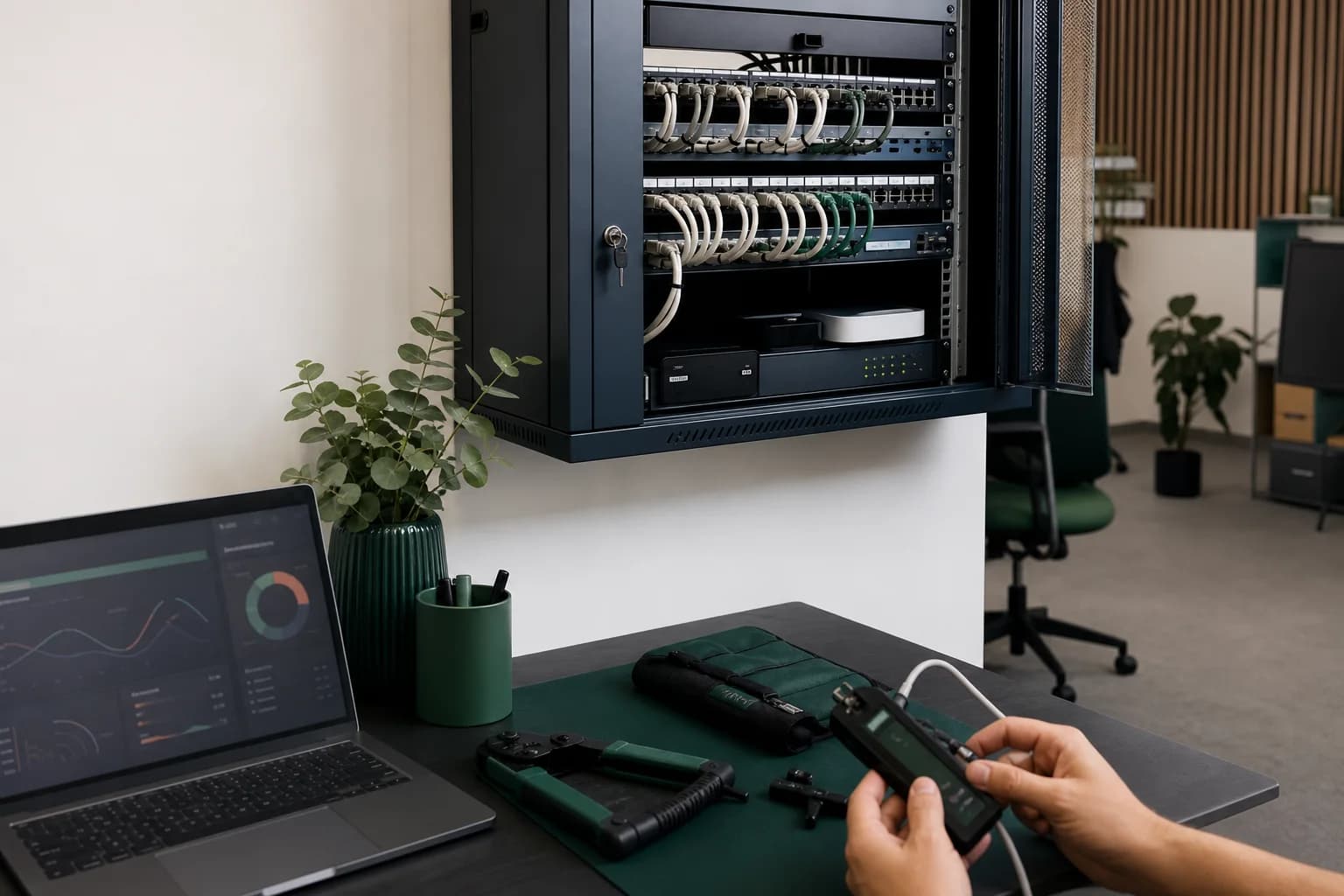
Cabling and racks
We organise cables, sockets and network equipment. We label connections to make future work easier.
Office Wi-Fi
We check coverage and choose access point positions. We configure separate access for staff and visitors.
Firewall and connections
We configure internet access, traffic rules and secure connections for remote work or links between locations.
Testing and documentation
We test connections and keep the network plan, settings and details needed for administration.
How we start
Review the premises
We check rooms, cable routes and existing equipment, then discuss applications and the number of connected people.
Plan the work
We propose equipment and settings, agree working hours and identify any temporary interruptions.
Install and test
We configure the network, test connections in working areas and hand over the network plan.
How we price the work
Floor area, cable routes, connection numbers and equipment determine the price. Installation and monthly administration are quoted separately.
View plansWhat the proposal covers
We list the equipment, materials and work included. Building changes and internet provider work are coordinated with the people responsible.
Frequently asked questions
Do we need to replace all the equipment?
Not automatically. We check what works, what can be reconfigured and what limits the network. Replacement is recommended where the agreed solution requires it.
Can you work without interrupting us?
Some preparation can happen alongside daily work. We agree a suitable window for changes that interrupt connections.
Projects and useful articles

From a new office to fully managed IT
One accountable IT partner
View project
Finding an unstable network fault without stopping production
The fault was isolated
View project
Strong Wi-Fi signal but calls keep dropping
Why interference, wide channels, retransmissions and roaming can disrupt voice near an access point.
Read the guide